
Create with natural language
Describe the asset and action you need. Your agent turns the request into structured generation calls with the right settings.
Use the Gamelabs AI game asset generator MCP server to create sprites, animations, backgrounds, and engine-ready sprite sheets from Cursor, Claude Code, VS Code, or any AI coding agent.
No credit card required
Works with your favorite tools
MCP gives your agent structured tools, not a browser tab to babysit. Every result is organized in Studio and ready for your game.
Describe the asset and action you need. Your agent turns the request into structured generation calls with the right settings.
Generate and iterate from your IDE while you build. No context switching, manual uploads, or disconnected download folders.
Projects, assets, source images, animations, and sprite sheets remain linked in your Gamelabs Studio workspace.
Use the Gamelabs MCP server to create, review, and iterate on game assets without breaking your development flow.
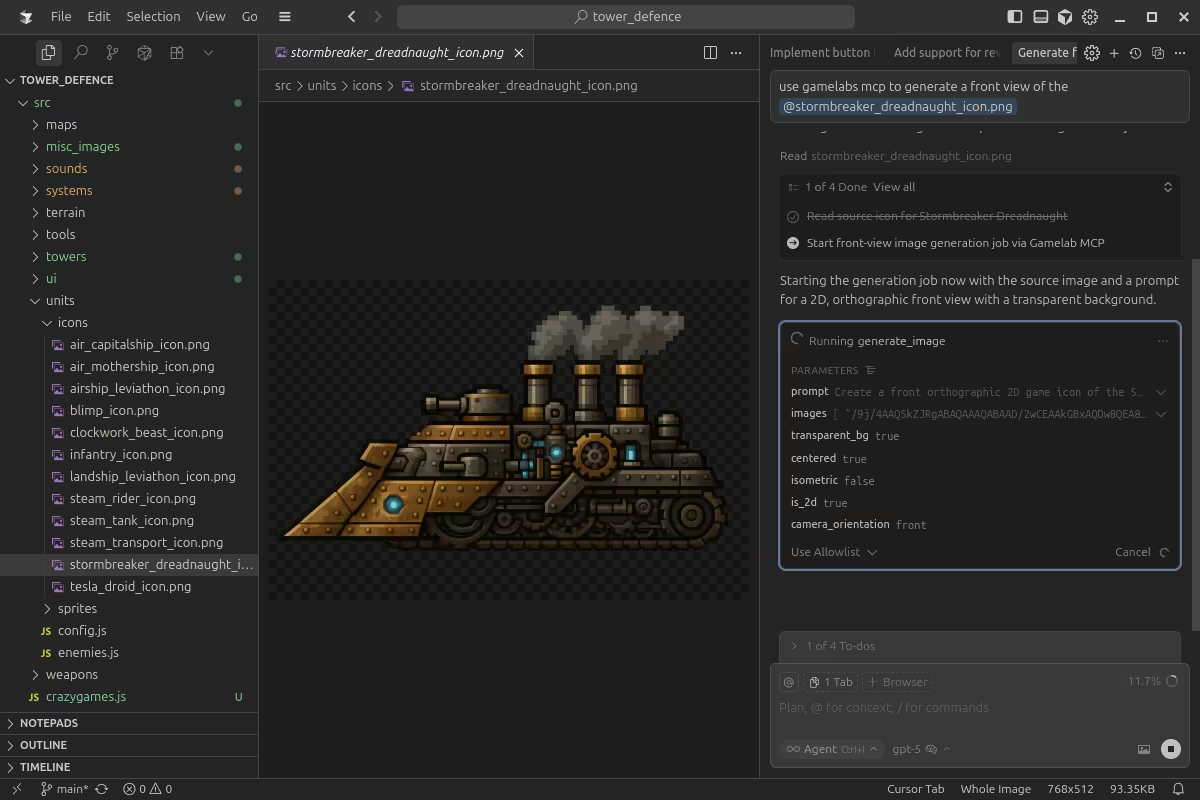
Source job IDs connect each generation automatically, so your image, animation, and sprite sheet stay attached to one asset.
image.generateCreate consistent game artwork from a prompt or reference image.
video.generateTurn the completed image into smooth, loopable motion.
spritesheet.generateExtract clean frames into an engine-ready sprite sheet.

image.generatevideo.generate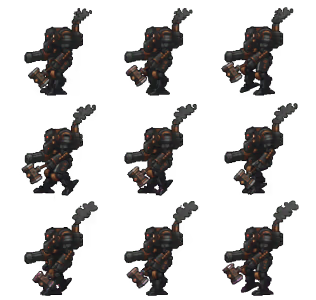
spritesheet.generateGenerate new media and manage the projects around it with tools your agent can discover and call safely.
image.generateCreate sprites, characters, props, backgrounds, and textures in any style.
video.generateAnimate a generated image or your own source artwork into a loopable clip.
spritesheet.generateExtract configurable sprite sheets with clean spacing and transparency.
project & folder toolsCreate, search, rename, and organize projects and folders from your agent.
asset toolsFind, inspect, update, move, and reuse assets across your game projects.
job & download toolsCheck generation progress and bring completed artifacts into your codebase.
Create a free account, copy your personal connection details, and add Gamelabs to your MCP client. Your agent discovers every available tool automatically.
Sign up free and open MCP setup from your Studio sidebar.
Use the server URL and your personal API key in Cursor, VS Code, Claude, or another MCP client.
Try: “Create a pixel-art knight and animate a four-direction walk cycle.”
{
  "mcpServers": {
    "gamelab-mcp": {
      "type": "http",
      "url": "https://mcp.gamelabstudio.co/mcp",
      "headers": {
        "X-API-Key": "YOUR_API_KEY"
      }
    }
  }
}Start with 20 free credits and create your first game asset from the editor you already use.
No credit card required · Commercial use included