Image

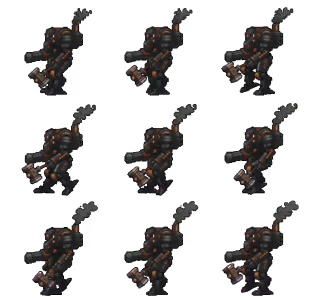
Transparent artwork, animations, & sprite sheets. Consistent from every angle
No credit card required
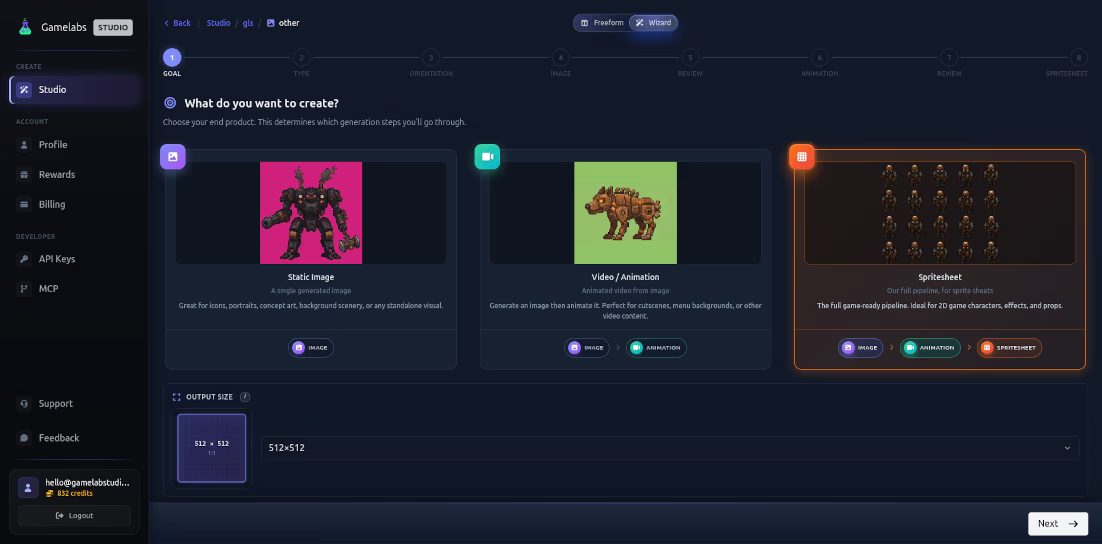
Pick your workflow and follow these easy steps to create game-ready assets.
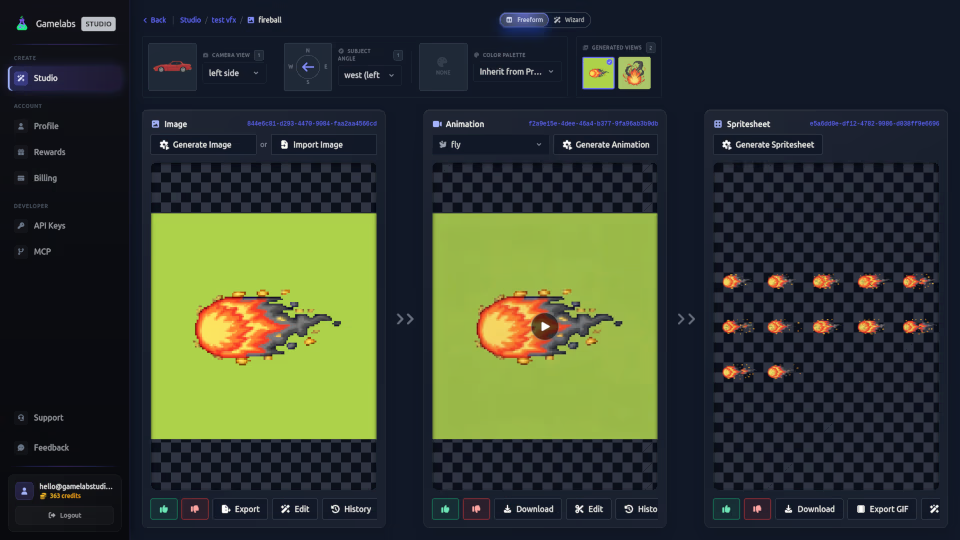
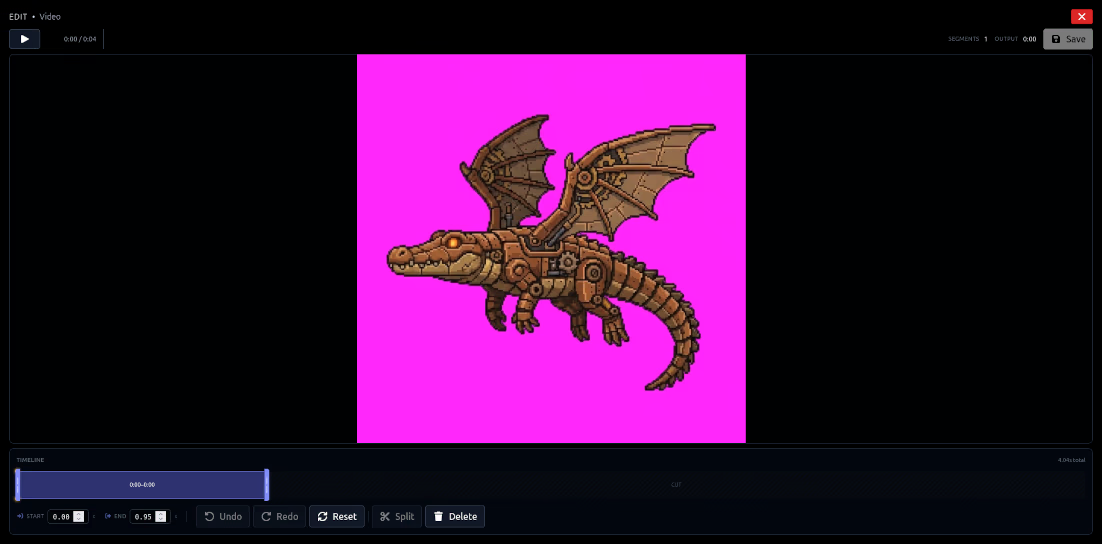
Generate artwork, animate it, and export production-ready sprite sheets. All in one seamless workflow.
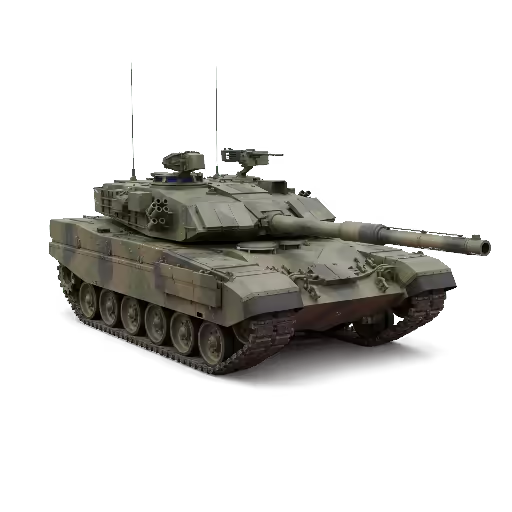
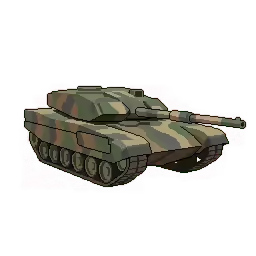
Creative flexibility with any art style, not just pixel art, maintaining coherence across your asset viewing angles.
Use your base image as a starting point to generate dynamic, loopable animations for any action, not just canned animations.
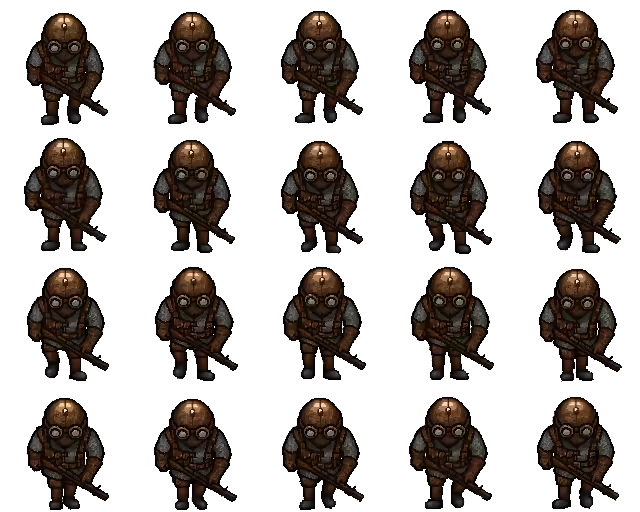
Export animations to sprite sheets with full control over FPS, grid layout, padding, and true transparent background.
Standard AI image generators output "pixel art" at high resolutions with subpixel noise, and small features that are hard to see at the desired size. Downscaling only makes it worse, with blurred edges and loss of important details.
Our image model outputs every pixel deliberately which leaves you with crisp, game-ready images that require no cleanup.
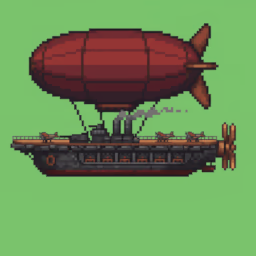
Blurred edges & downscaling artifacts
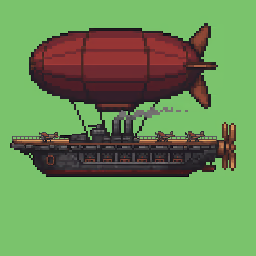
Every pixel sharp & deliberate
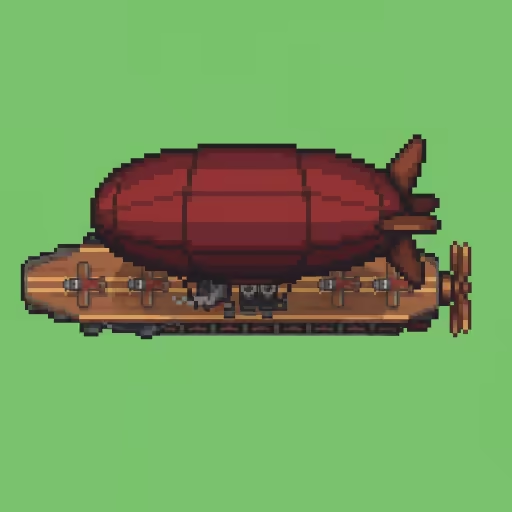
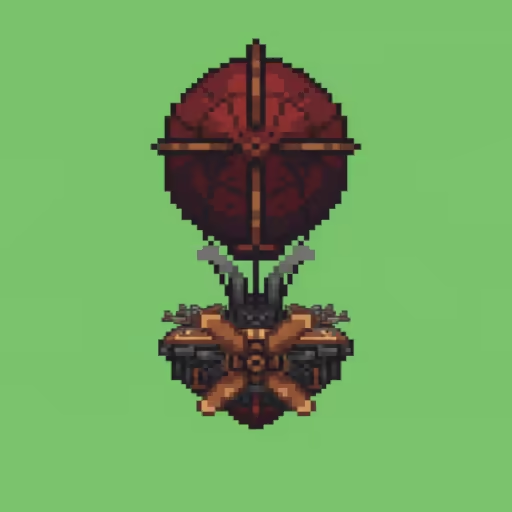
Generate front, back, side, and top views that look like they belong to the same character. Our reference-based workflow keeps your assets visually coherent.

Camera view positions the camera around your subject. Subject angle sets facing direction. Together they give you precise control over every angle.
AI image and video models don't reliably support alpha. Gamelabs Studio carries a chroma key through every stage, then exports clean transparency, including the soft, translucent pixels other tools flatten.
AI image generators output RGB only without alpha channel support. We generate artwork on a chroma key background like #00FF00 that's designed for clean extraction.
Video formats like MP4 and WebM don't support transparency in the file itself. By maintaining the chroma key background through animation, we preserve the ability to extract your subject cleanly.
When you export to sprite sheet, we remove the chroma key and output a PNG with full alpha transparency, ready to drop into Unity, Godot, or any game engine.
Competing AI sprite sheet tools merely remove the background. Gamelabs Studio uses advanced algorithms, preserving the semi-transparent pixels that make effects feel realistic.
 Gamelabs Studio True translucency Gamelabs Studio
Not everything needs transparency. Generate map tiles, or tileable textures that repeat flawlessly across any surface.
Ask any AI for a "tileable paper texture" and you'll get something that looks fine alone. But tile it, and the seams become painfully obvious. AI models have no concept of edges that need to match.
Our pipeline ensures opposite edges are mathematically continuous. Edge-aware generation with wrap-around blending means your textures tile infinitely with zero visible seams.
Single tile

Tiled 2x2
Visible seams
Single tile

Tiled 2x2
Seamless
Generate your own tile assets and props with AI, build wang-tile tilesets that connect seamlessly, paint maps in a visual editor, and export production-ready assets — all in one pipeline.
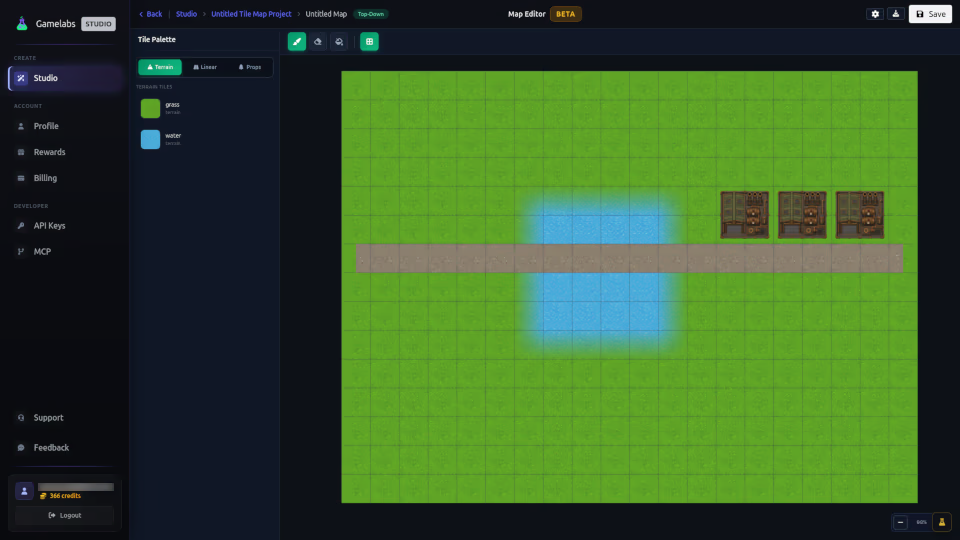
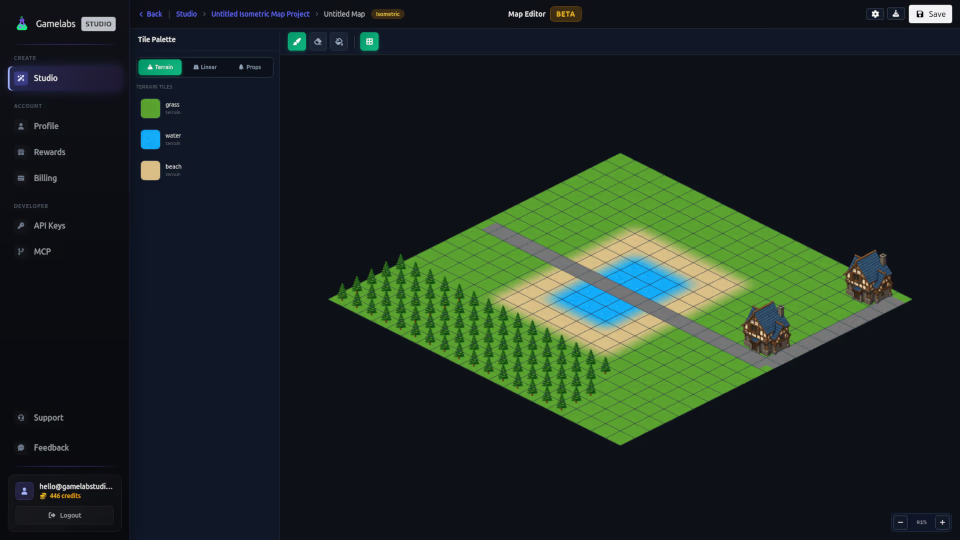
Parallax segments for platformers, runners, and horizontal-scroll games. Compose layered segments that scroll at different speeds for real depth. Combined with the parallax splitter, the pipeline gives you full control over how scrolling backgrounds are assembled.
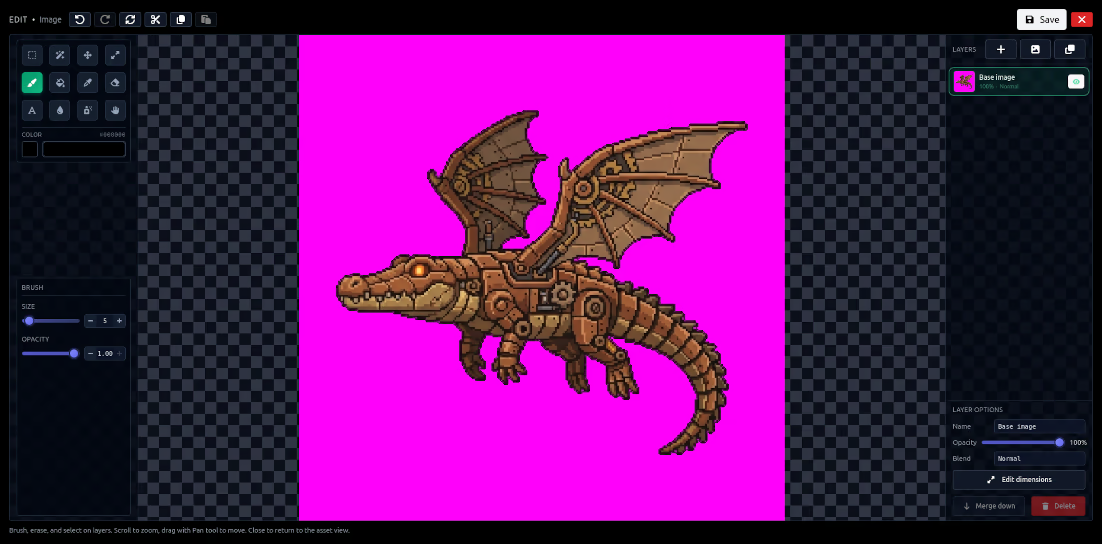
Our full-featured image editor is baked right into the studio — layers, blend modes, brushes, selections, and AI-powered generative fill.
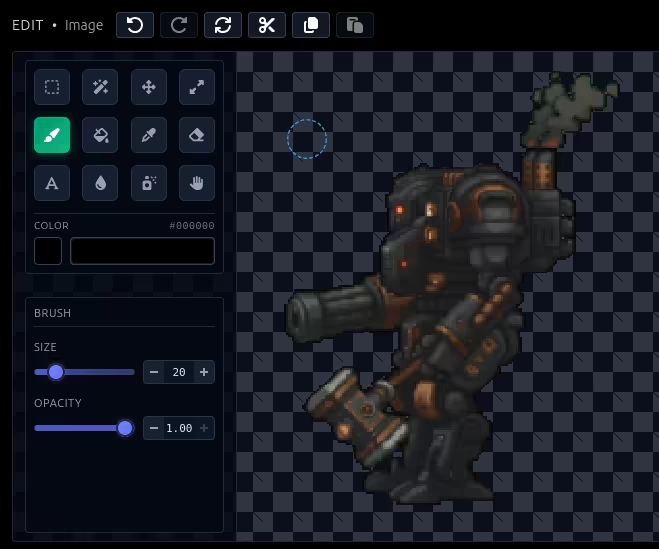
Brush, eraser, bucket fill, eyedropper, rectangle & magic wand selections, blur, text, scale, and more.
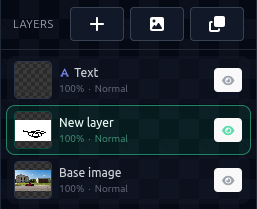
Full layer support — reorder, rename, toggle visibility, adjust opacity, and choose blend modes like multiply, screen, and overlay.
Pixel-accurate brush and eraser with adjustable size and opacity. Bucket fill with configurable tolerance.
Rectangle select with rounded corners and feathering. Magic wand with configurable tolerance for complex regions.
Add text layers with custom fonts, colors, and sizing. Manipulate text layers non-destructively.
Select any region and describe what you want — our AI fills it seamlessly, matching style, lighting, and perspective. Extend backgrounds, add objects, or repaint parts of your art in seconds.
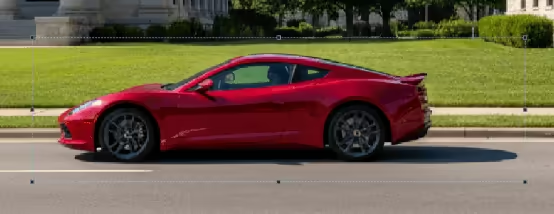
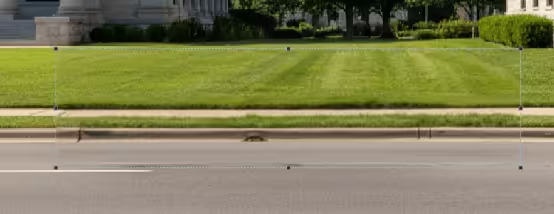
Gamelabs was inspired by a real production need. We shipped Age of Steam Tower Defence using this exact pipeline: fast iteration loops, consistent multi-angle styles, and editor-native tools that keep you in flow. You can play it live on CrazyGames .
We had many enemy types (and bosses), plus tower bases, turrets, upgrades, and tile textures. Each unit needed multiple consistent angles for different actions like walking or driving, and every angle had to look like the same character.
For anyone building 2D games who needs consistent, multi-angle assets. From solo devs to full studios.
Ship faster without waiting on artists
Scale asset production effortlessly
2D Games
Isometric
Any Style
Generate and iterate on game assets without ever leaving your editor.
You own what you create. Assets you generate are yours and they are never reused, resold, or regenerated for other users. Full commercial rights included.
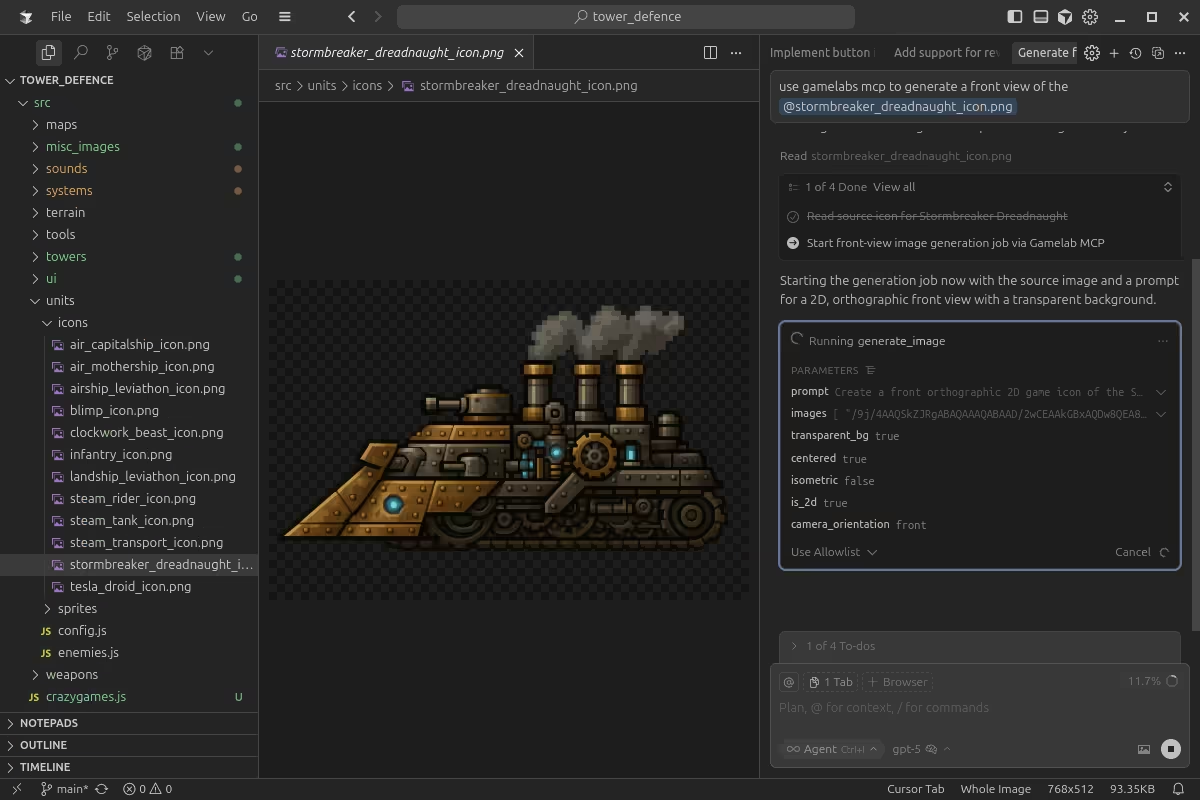
Use the Gamelabs MCP server with Cursor to create and iterate on assets without leaving the code editor.
Use the Gamelabs MCP server with Cursor to create and iterate on assets without leaving the code editor.
Join thousands of game developers who are shipping faster with Gamelabs
"Bro, your app is much much much better than pixellab, im switching to your app. Good Job"
"I've had good luck with Gamelabs Studio when other things failed. Monthly credits roll over, so if you can't work on something you don't lose money "
"I was struggling to create sprite sheets using ChatGPT/Gemini for my personal app development, but it was just too tedious and I gave up. While browsing Reddit, I found a service called Gamelabs STUDIO that looked promising, so I tried it out with free credits and it's GOOD!!"