Using Gamelabs Studio MCP in Cursor
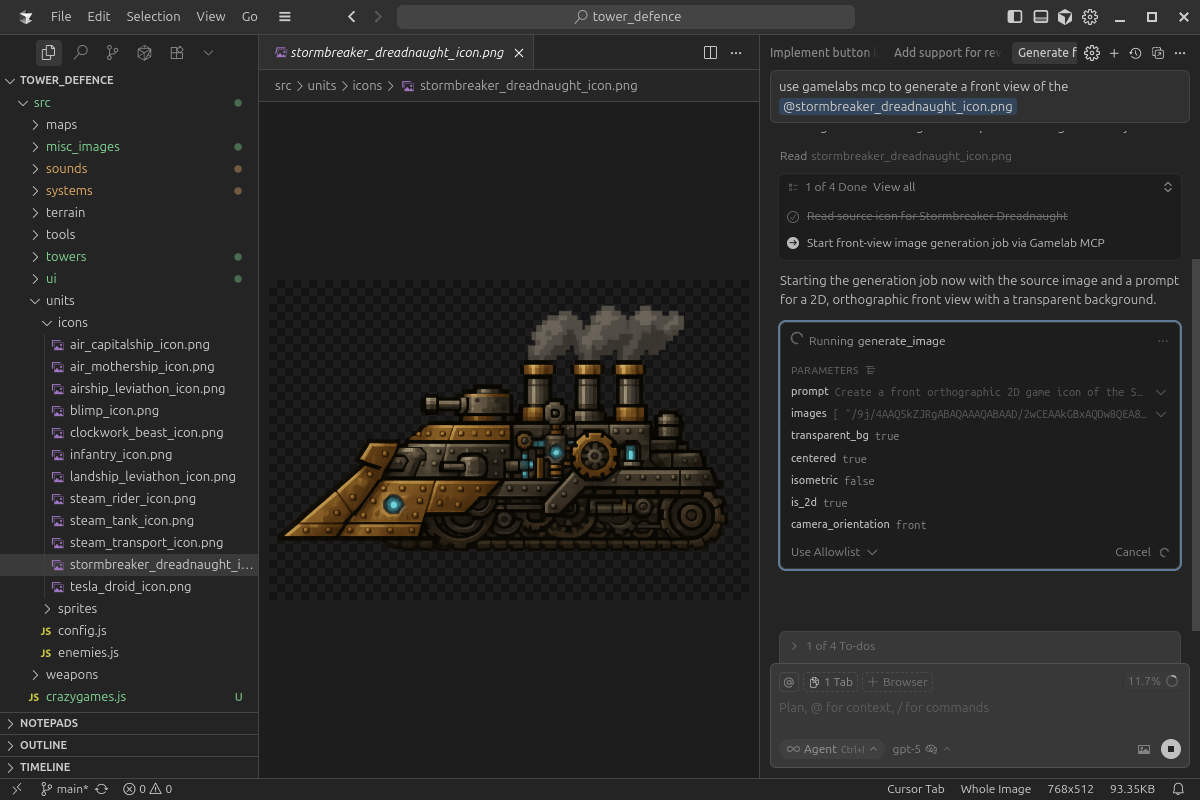
Learn how to use Gamelab Studio’s MCP from Cursor after you’re connected: describe goals in plain language, let the agent pick tools and chains, and use your repo as context.
Insights about game asset generation, creative AI, and tips to get the most out of Gamelab.
Learn how to use Gamelab Studio’s MCP from Cursor after you’re connected: describe goals in plain language, let the agent pick tools and chains, and use your repo as context.
In this guide, we walk through how to connect Gamelab Studio's MCP server to your editor of choice. Once configured, your AI assistant gains access to Gamelab's full generation pipeline.
A comprehensive guide to mastering AI image and video generation through structured and precise prompting. It outlines essential strategies to eliminate ambiguity, such as using present-tense descriptions, front-loading critical details, and employing strong, absolute language to direct the AI. Additionally, the guide covers advanced techniques for reference-based generation and video motion, highlighting the importance of positive prompting.
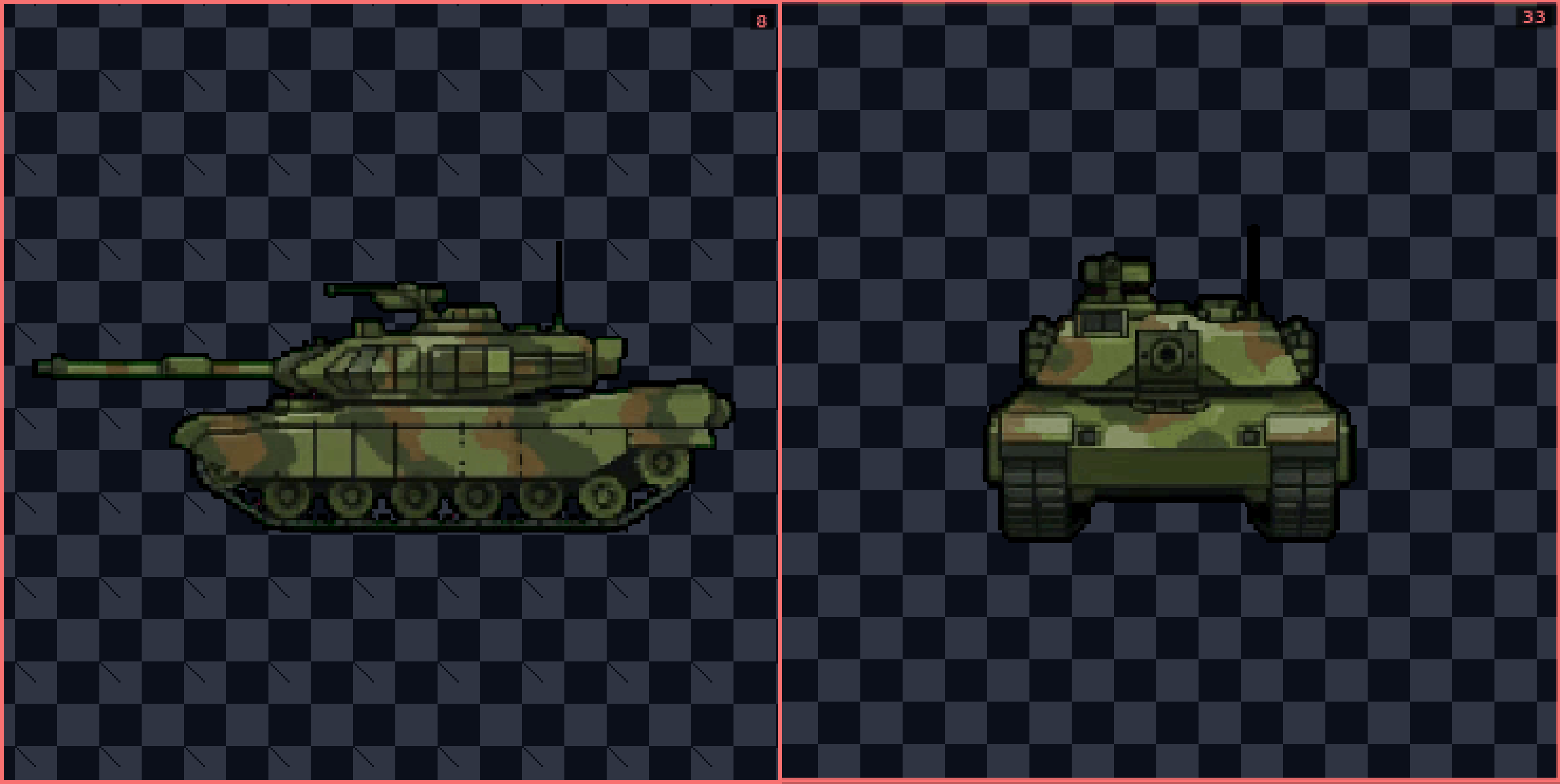
This tutorial demonstrates how to create different angles for your spritesheet using AI in Gamelabs Studio. We will begin with the Tank asset we already created for the transparent spritesheet tutorial.
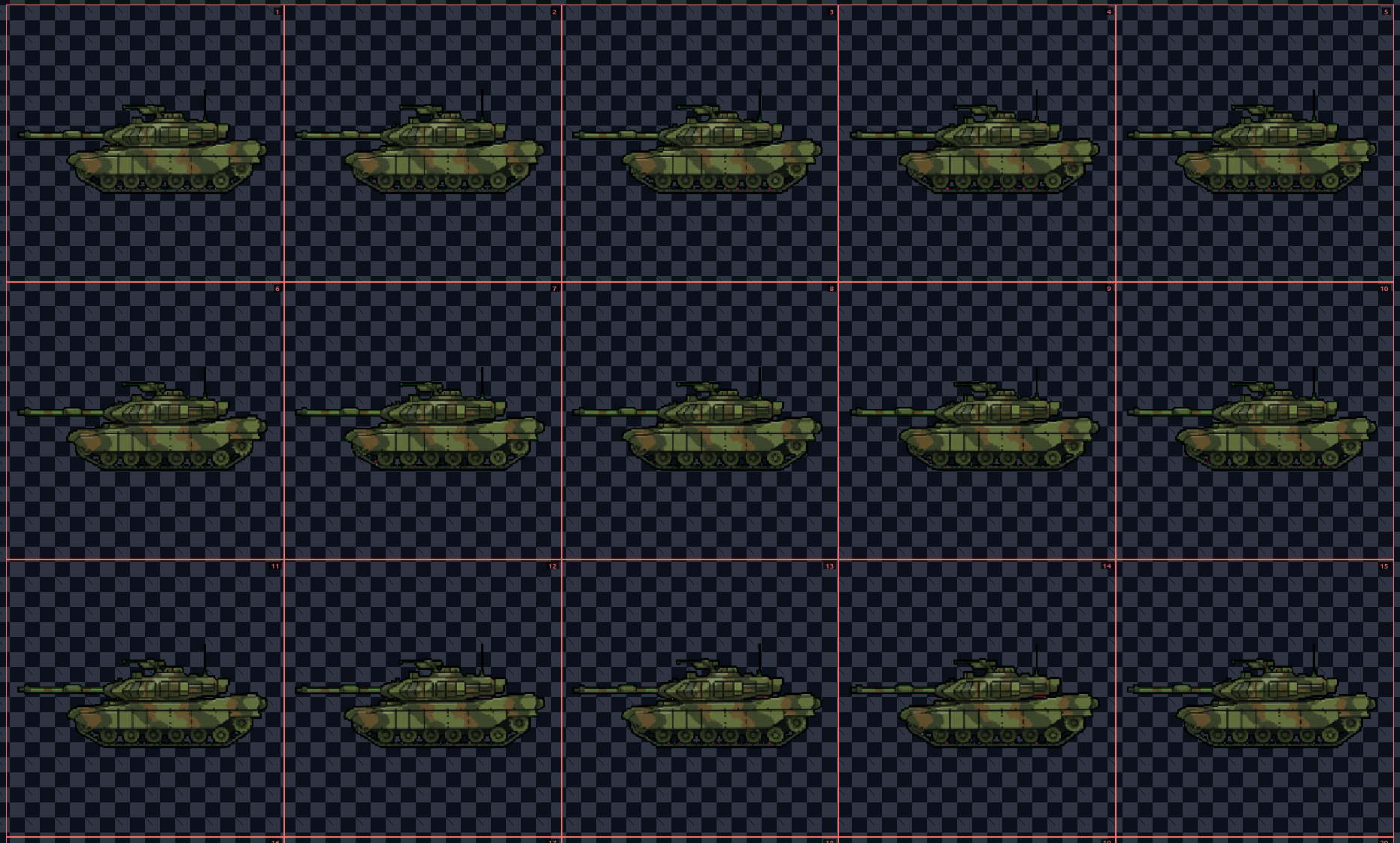
This tutorial guides you through creating a spritesheet with a transparent background using Gamelabs Studio's AI tools.