How to generate sprite sheets for Game Maker with AI
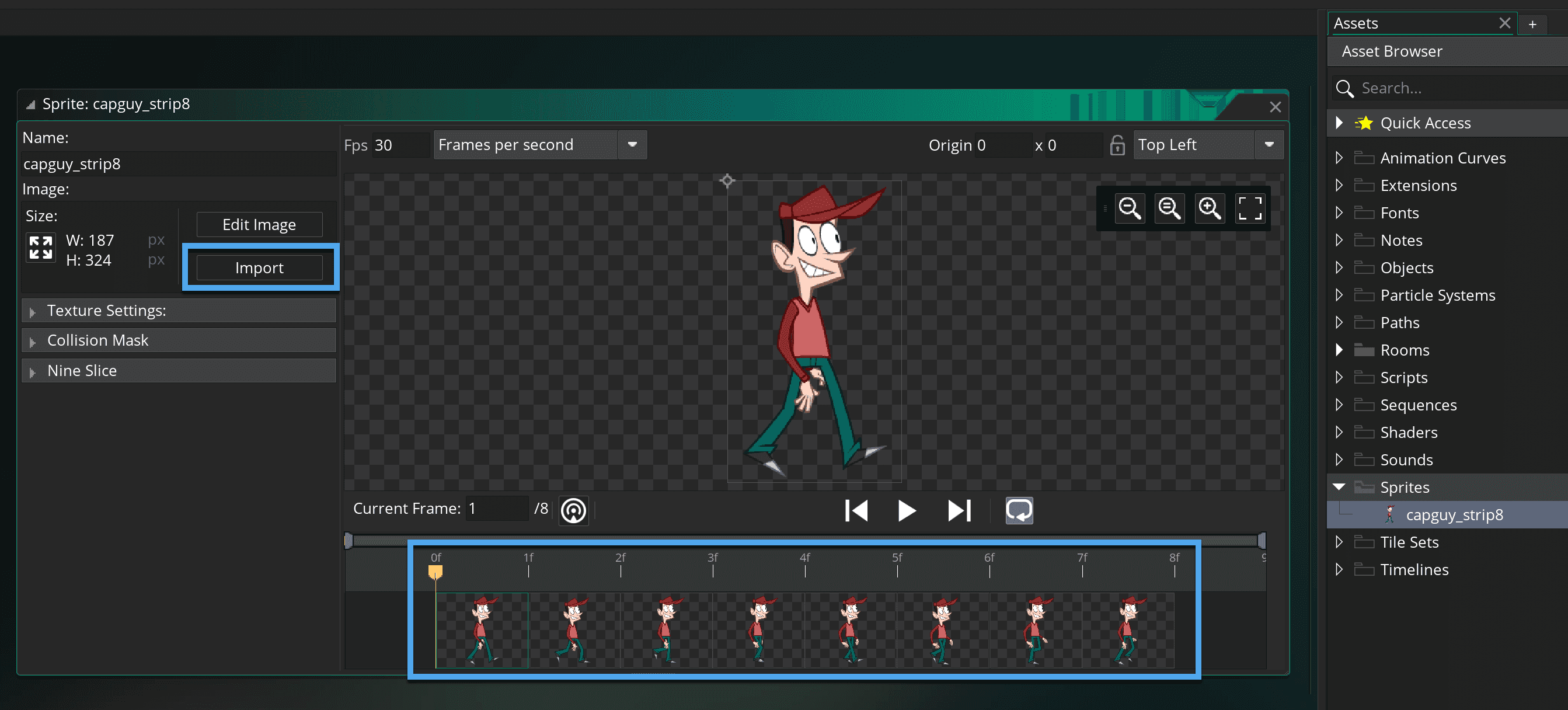
In this guide, we walk through the full process from downloading the spritesheet PNG and its metadata out of Gamelab Studio, to getting a fully animated sprite playing in GameMaker
Insights about game asset generation, creative AI, and tips to get the most out of Gamelab.
In this guide, we walk through the full process from downloading the spritesheet PNG and its metadata out of Gamelab Studio, to getting a fully animated sprite playing in GameMaker
This guide covers every major point of comparison between Gamelabs Studio and Pixel Lab: art style range, animation workflow, spritesheet output, resolution limits, pricing tiers, MCP integration, and editor support, so you can decide which tool fits your project.
This guide breaks down every major difference between Gamelabs Studio and Retro Diffusion: art style range, animation pipeline, spritesheet workflow, pricing, resolution limits, and developer integration, so you can pick the right tool for your project.
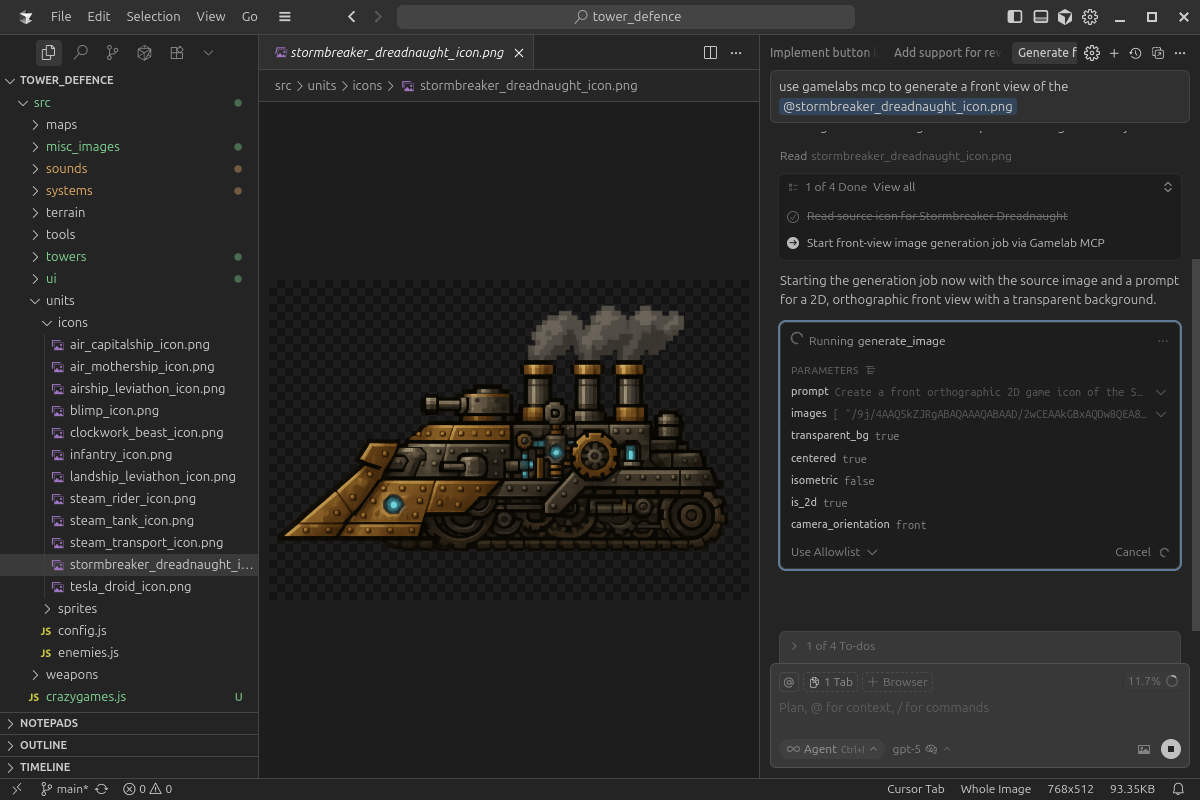
In this guide, we walk through how to connect Gamelab Studio's MCP server to your editor of choice. Once configured, your AI assistant gains access to Gamelab's full generation pipeline.
A comprehensive guide to mastering AI image and video generation through structured and precise prompting. It outlines essential strategies to eliminate ambiguity, such as using present-tense descriptions, front-loading critical details, and employing strong, absolute language to direct the AI. Additionally, the guide covers advanced techniques for reference-based generation and video motion, highlighting the importance of positive prompting.
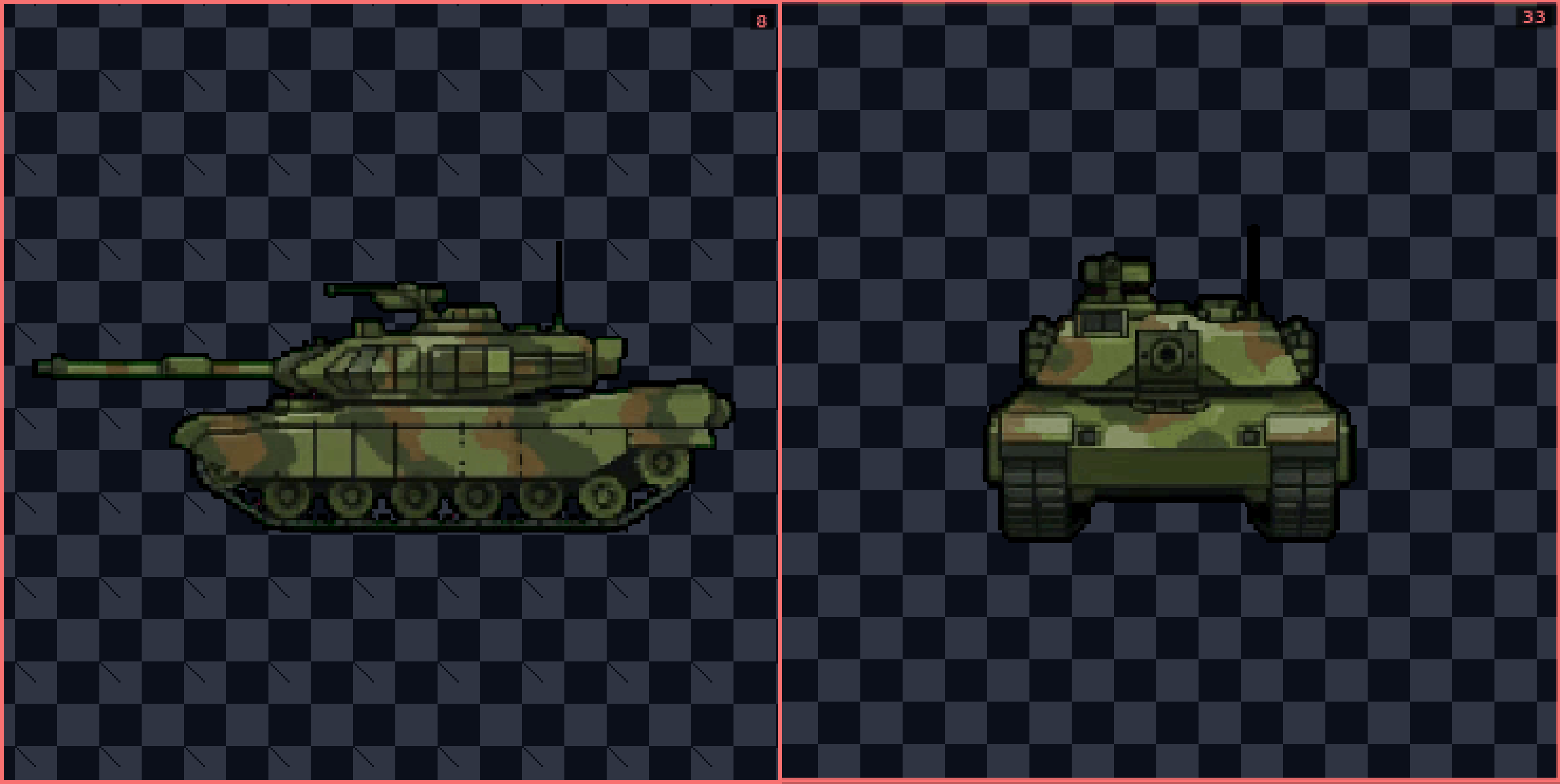
This tutorial demonstrates how to create different angles for your spritesheet using AI in Gamelabs Studio. We will begin with the Tank asset we already created for the transparent spritesheet tutorial.
This tutorial guides you through creating a spritesheet with a transparent background using Gamelabs Studio's AI tools.