Image Tools, Layers, and Selections
Use move, crop, scale, drawing, erasing, magic selection, and layers safely.
Layers
Choose the correct active layer before editing. Use separate layers for paint, cleanup, or generated changes when you may need to revise them independently. Reorder layers to control compositing and hide layers to compare alternatives.
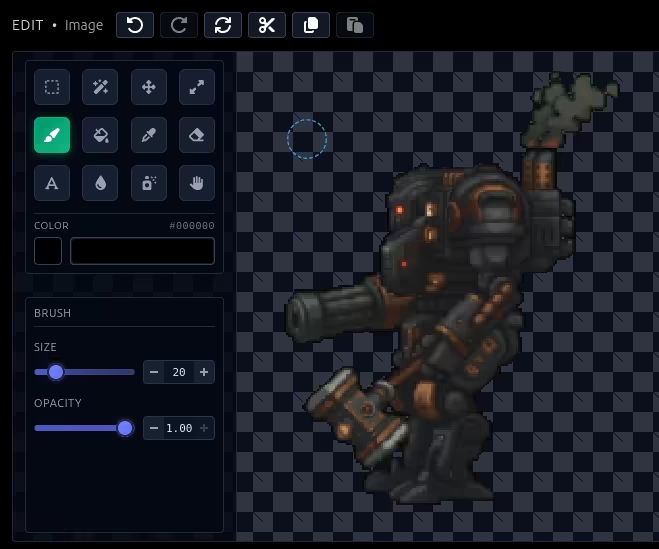
Move, crop, and scale
Move repositions selected content or a layer. Crop changes the visible canvas area. Scale changes pixel dimensions; use integer scaling for pixel art when possible to preserve hard edges.
Selections
Selections limit edits to part of the image. Magic selection isolates visually related regions and is useful for backgrounds or flat colors. Expand a selection slightly before edge cleanup to avoid a visible halo.
Draw and erase
Use drawing tools for small corrections and the eraser for controlled removal. Work zoomed in, then inspect at actual game scale before exporting.